
Self-hosted Data Sync Documentation
v1.0
Overview
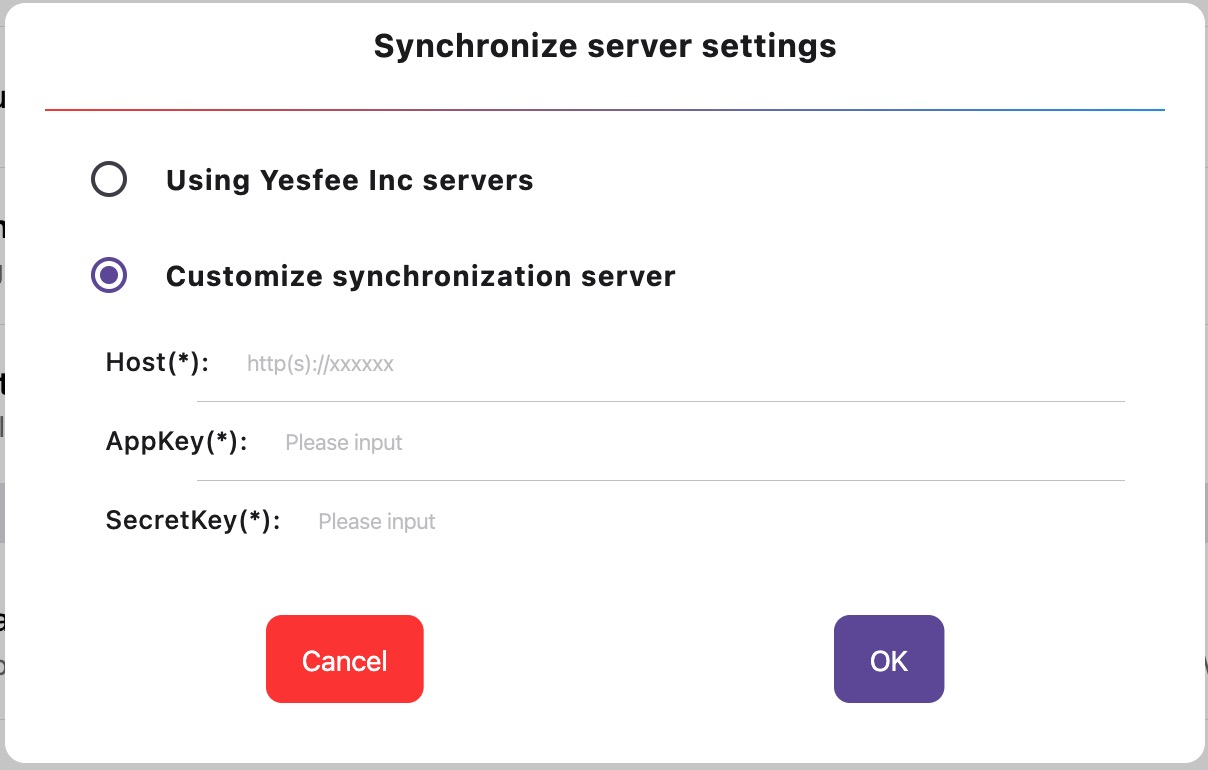
Users can deploy their own data sync server by following the instructions in this document, then configure the sync server parameters in the FinalTerm client to achieve self-managed server data synchronization.
Prerequisites
- Database (required)
- Host server (required)
- SSL certificate (optional, required for external domain deployment)
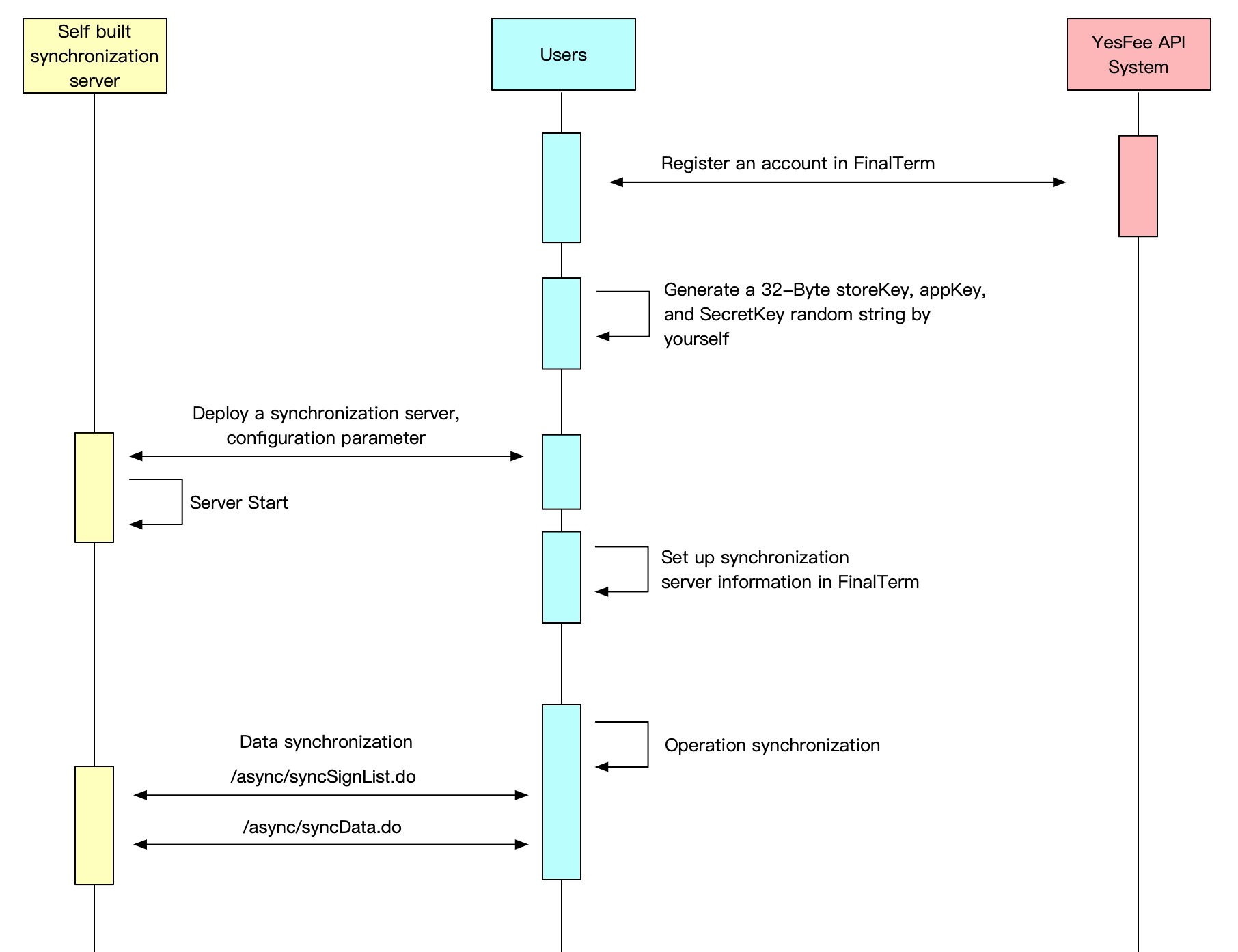
Process Flow
Database Please install database software such as MySQL on the host server. Configure the database as follows:
After installing the database, download the following SQL file and execute it on syncdb to import the database tables. Download database SQL file
Implementation
-
Developers with programming capabilities can follow the API definitions in this documentation to implement sync integration with FinalTerm using their preferred programming language.
-
You can also refer to or use the official open-source code SyncService for free deployment.
-
Once the server is deployed, you can configure sync settings in the FinalTerm software to enable synchronization.