

My Wallet
View and manage all balance-related features here
Wallet
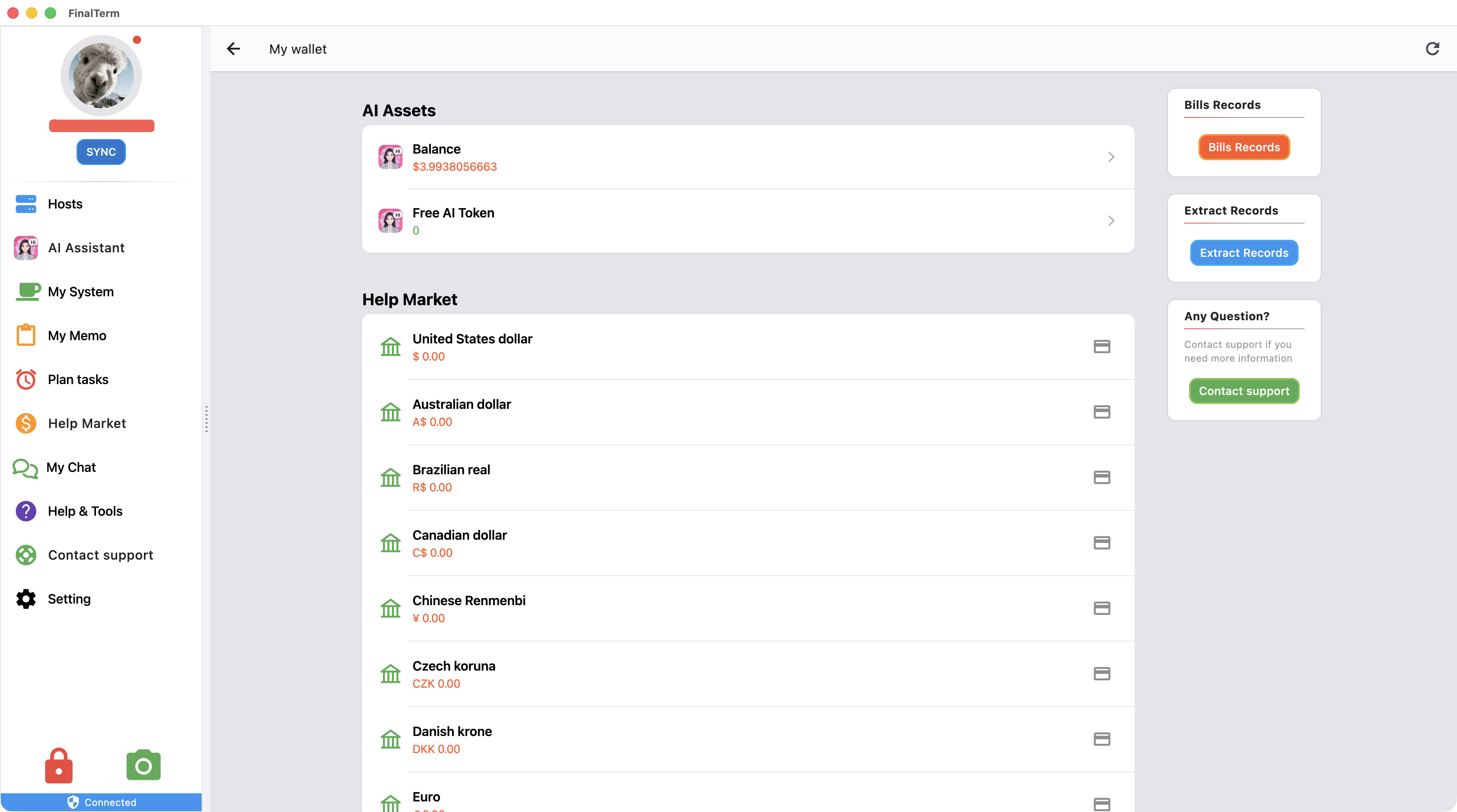
- Displays the current available AI amount. Click to navigate to the AI assistant interface
- Displays the number of available AI tokens. Click to navigate to the AI assistant interface
- Displays the amounts in different currencies in the wallet
Billing History
- Detailed records of your expenditures and income are displayed here.
Withdrawal
- Click the bank card icon on the right side of each currency to enter the withdrawal interface.
- There are certain requirements and limits on the balance for withdrawal.
- Due to differences between currencies and banks, a customer service representative will contact you after initiating a withdrawal.
Withdrawal History
- Displays records of initiated withdrawals and their progress