

Upload and Download Task Management
Location
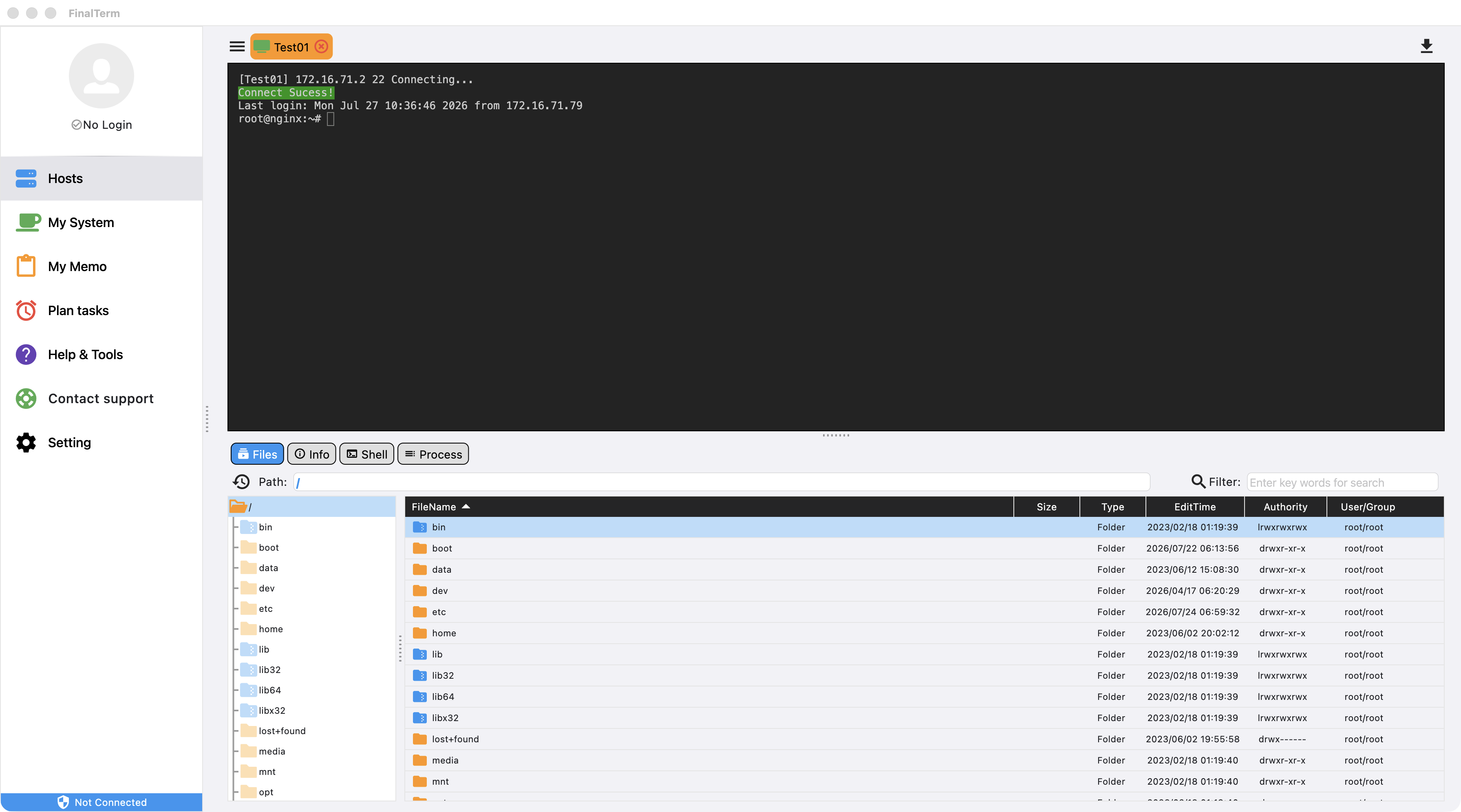
-
The upload and download task management panel is located in the top-right corner of the server interface. Click the ⬇️ icon to open the upload and download task management panel.
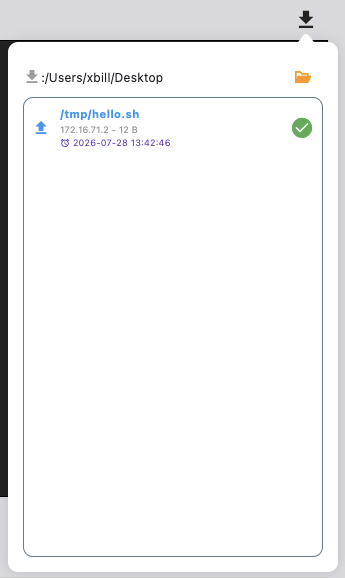
-
Click the folder icon at the top to open the local download save directory on your computer.
Right-Click Menu
Open
Opens the selected file using the system's default application.
Open Directory
Opens the directory on the local computer where the selected file is located.
Delete
Deletes the selected task. Tasks that have not started will be paused.
Clear All
Clears the current task list. Tasks that have not started will be stopped.